
YOU NEED TO REGISTER AN ENDUNAMOO AFRICA PROFILE FIRST BEFORE YOU MAKE PAYMENT. IF YOU DO NOT HAVE A PROFILE, PLEASE CLICK HERE TO REGISTER.
STEP 1
After registering, you will receive two emails: one with Payfast payment links and instructions for secure online payment, and another with EFT banking details for manual bank transfers. Please use the EFT details only if you intend to settle your account via bank transfer; otherwise, use any of the Payfast payment links provided for faster and more convenient processing.

STEP 2
If you would like us to resend your payment links, please click here. For security reasons, kindly ensure that you only use the payment links sent from announcements@endunamoo.africa email address.

STEP 3
That’s it!
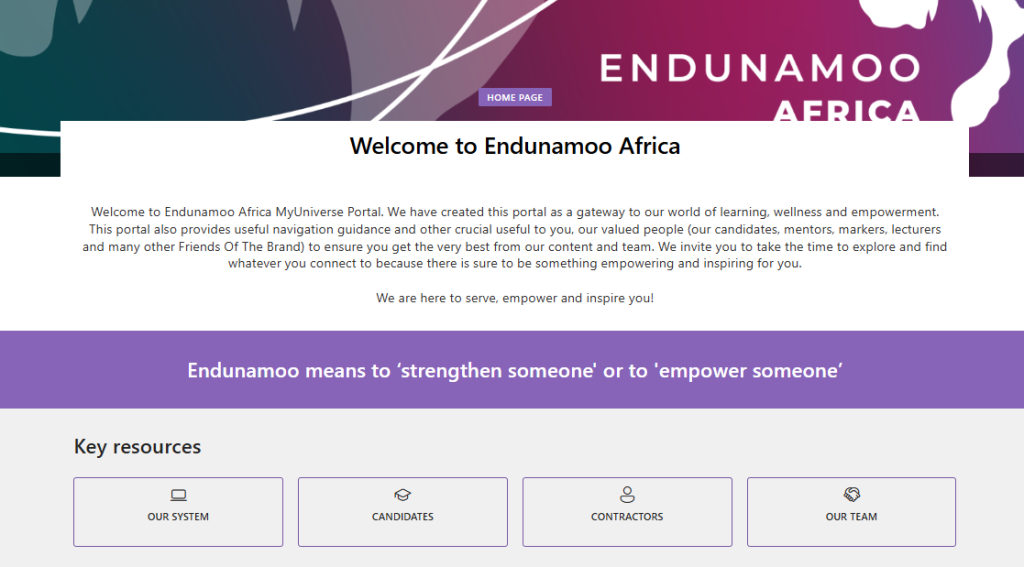
After making payment, please login into our workspace home page to access your course material and much more. To access your workspace, click here and navigate to Welcome for Onboarding Guidance
STEP 4
If your account is not activated immediately, please reach out to our support team via the Query Tool. You will need to send us your proof of payment via the Query Tool to assist with the activation process.

Terms and Conditions
1: Please note that errors and omissions are excepted.
2: If payment link does not align with the prices stipulated on the website, please do not hesitate to contact us for resolution. The prices reflected on the website will prevail.
3: The payment links do not incorporate returning discounts. To secure your returning discounts, you can contact our finance team via the Query Tool, i.e. Finance Query >> PayFast. Otherwise, you can make payment and request a refund (if applicable). Refund will be processed in accordance with our standard terms and conditions. However, the admin fee will be waived for this purpose.
4: If you use the incorrect link, we are entitled to adjust the monthly instalments to ensure that you meet your tuition fee obligation or the prices reflected on the website. All changes to your subscription payments will be advised via the PayFast payment process.
5: Using an incorrect payment method will attract an admin charge of R200 per payment.